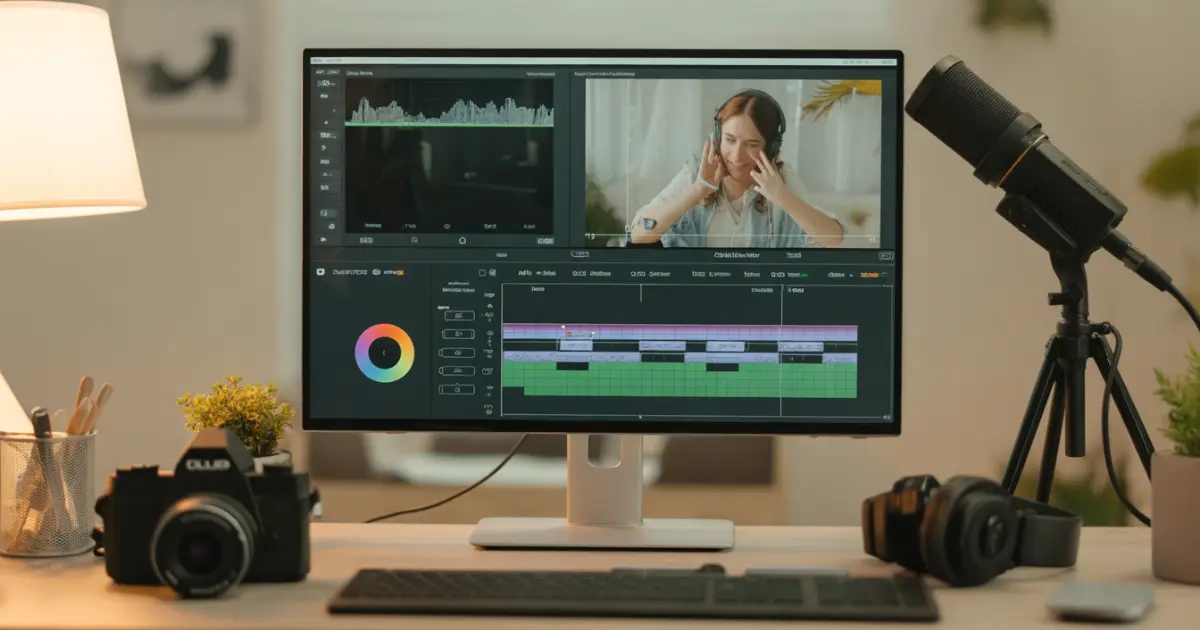
What Are Video Editing Tips?
Video editing tips are practical techniques used in non-linear editing software to improve storytelling, pacing, audio quality, colour accuracy and final output.
In short: editing shapes how your story feels.
Why Editing Matters More Than You Think
- Watch time and retention
- Emotional impact
- Professional credibility
- Conversion rates
- Brand perception
The Core Workflow: How to Edit a Video Step by Step
Step 1: Organise Before You Touch the Timeline
Create folders for raw footage, audio, music, B-roll, graphics and exports. Rename clips clearly.
Step 2: Build a Rough Cut
Structure your video into beginning (hook), middle (value/story) and end (conclusion or CTA).
Step 3: Tighten the Edit
Remove long pauses, repeated phrases and filler words. If it feels slow, it probably is.
Step 4: Edit Audio Before Colour
Fix dialogue levels, reduce noise and balance music. Keep dialogue peaking around -6 dB.
Step 5: Colour Correction, Then Colour Grading
Correct exposure and white balance first. Then apply creative grading.
Step 6: Add Graphics and Captions
Captions increase retention. Keep typography clean and readable.
Step 7: Export with Proper Settings
Use H.264 format, correct resolution and balanced bitrate for best results.
15 Essential Video Editing Tips
- Cut on action for smooth transitions
- Use J-Cuts and L-Cuts
- Add B-roll strategically
- Keep transitions simple
- Focus on storytelling
- Match frame rate to intent
- Don’t overuse effects
- Use keyboard shortcuts
- Remove background noise early
- Keep music under dialogue
- Edit for retention
- Avoid overcutting
- Edit with intent
- Use motion carefully
- Always rewatch before export
How to Edit Videos Like a Professional
Professionals focus on clarity and emotion. They:- Plan before editing
- Prioritise audio quality
- Use consistent colour grading
- Control pacing
- Avoid unnecessary effects
Platform-Specific Editing Tips
YouTube Editing Tips
- Strong hook within 10 seconds
- Faster cuts early
- Add pattern interrupts
- Optimise audio clarity
Instagram Reels & TikTok
- Vertical 9:16 aspect ratio
- Fast pacing
- Subtitles
- Bold opening frame
Gaming Videos
- Use jump cuts to remove dead space
- Balance gameplay audio and voiceover
- Use zooms for emphasis
How to Edit Videos Faster
Editing speed comes from structure, not rushing.Productivity Framework
- Organise footage immediately
- Use templates for intros/outros
- Learn keyboard shortcuts
- Create reusable LUT presets
- Batch similar tasks
FAQs
What are the most important video editing tips?
Focus on clean cuts, strong audio, consistent colour correction, intentional pacing and correct export settings.
How do beginners edit videos?
Start with a rough cut, remove mistakes, fix audio, correct colour, then export properly.
What makes a video look professional?
Good audio, stable pacing, natural colour balance and clean storytelling.
What frame rate looks cinematic?
24fps is commonly used for cinematic style.
Is video editing hard to learn?
The basics are easy. Mastery takes practice.
Conclusion
Video editing is not about flashy effects. It’s about clarity, pacing and emotion.
Start with story. Fix your audio first. Tighten your cuts. Correct before grading. Export properly.
Your footage doesn’t need to be perfect. It just needs to be shaped well.